
What Small Businesses Actually Need From a Website in 2026
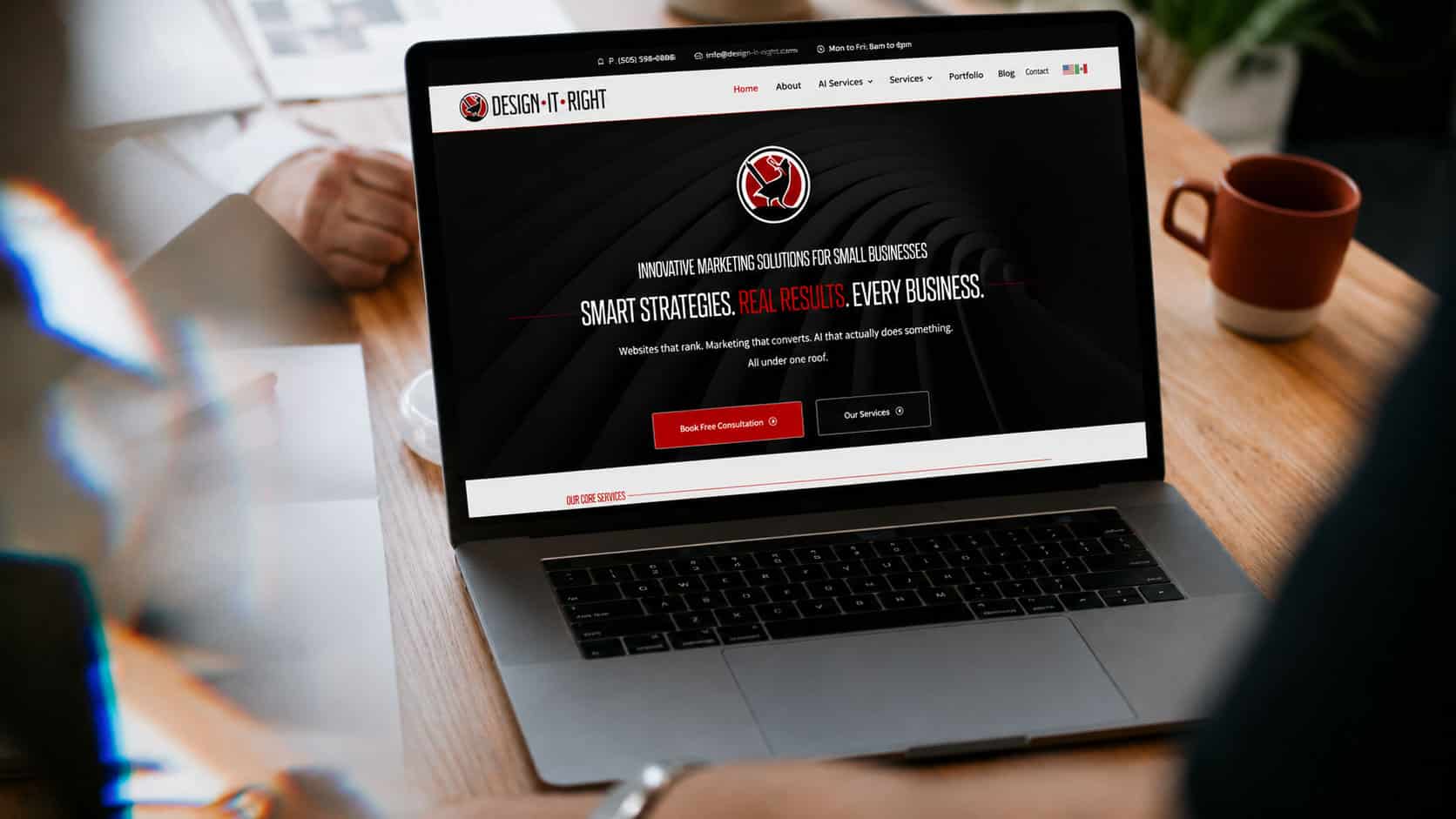
Most small business websites are overloaded with pages, buried in generic stock imagery, unclear in their messaging, and built with little real strategy behind them.
Building a website that actually works for a small business in 2026 requires different thinking than it did five years ago. This guide breaks down what a high-performing small business website actually needs — and what you can stop spending money on.
The One Thing Every Small Business Website Must Do
Before worrying about design, features, plugins, or page count — every small business website must answer three questions in the first five seconds a visitor arrives: If your homepage doesn’t answer all three clearly, above the fold, without scrolling — you’re losing customers before they even start reading. This is not a design problem. It’s a clarity problem. And it’s the most common failure mode on small business websites built by designers who prioritize aesthetics over strategy.
There is no SEO benefit to having 40 pages of thin content. There is significant benefit to having 8–12 pages of substantive, well-optimized content that actually answers customer questions.
- What does this business do?
- Who is it for?
- Why should I choose them over the alternatives?
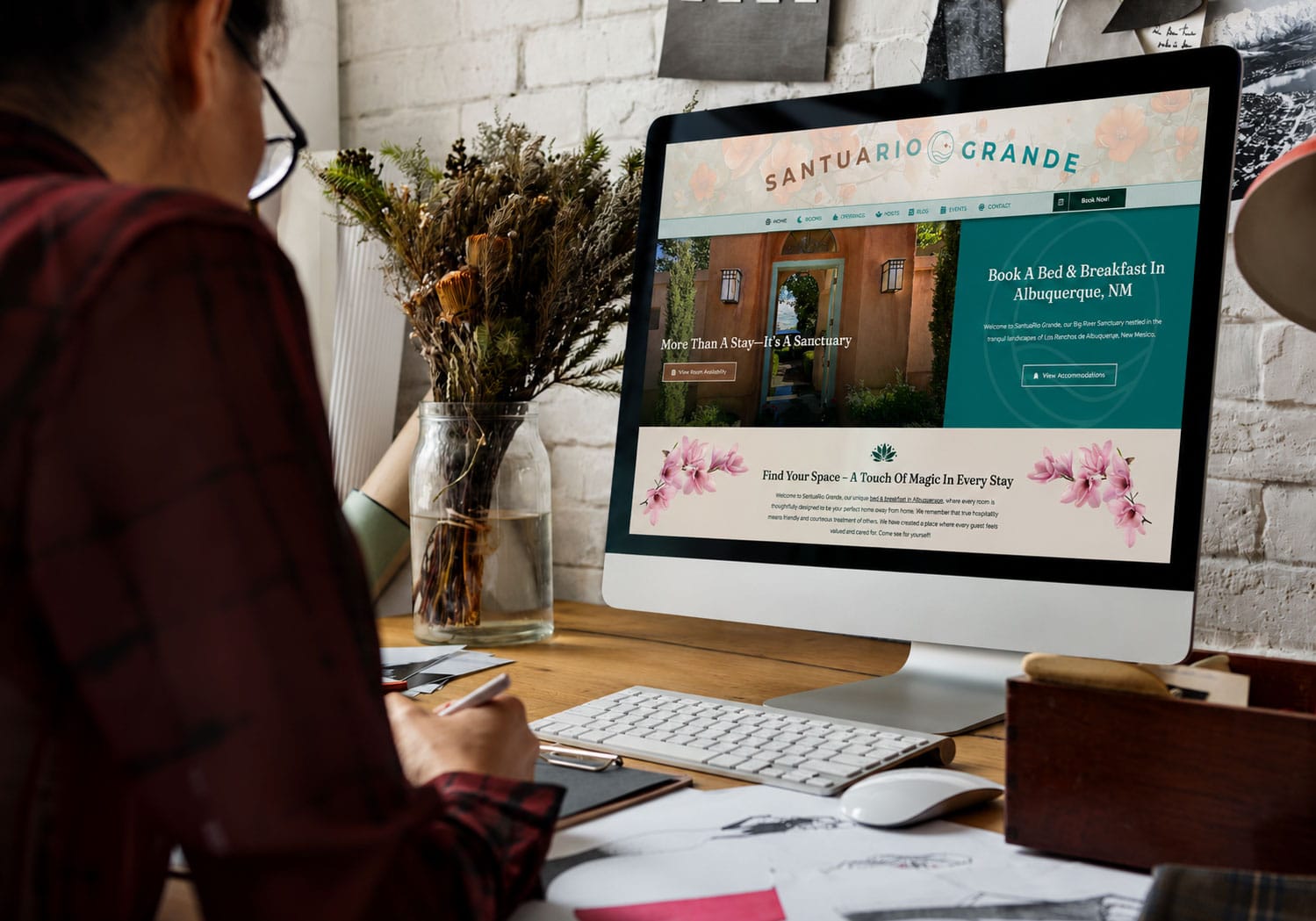
Services Page: Specificity Wins
Homepage: Orientation and First Impression
According to Google’s Core Web Vitals documentation, page experience signals — including load speed, interactivity, and visual stability — are confirmed ranking factors for every website. Homepage. Your primary conversion page. Should answer the three questions above, include a primary CTA above the fold, display trust signals (reviews, years in business, client count), and introduce your primary services.
Service pages. One dedicated page per service you offer. Not a single “Services” page with a paragraph on each — individual pages with keyword-targeted content, pricing context, FAQs, and CTAs for each service.
About page. The second-most visited page on most small business websites. Customers want to know who they’re dealing with. Real names, real photos, real story. E-E-A-T signals — Experience, Expertise, Authoritativeness, Trustworthiness — live here.
Contact Page: Every Friction Point Costs You a Lead
Contact page. Multiple contact methods (phone, email, form), your physical address if applicable, business hours, a map embed, and response time expectations. Remove all friction from this page.
Blog/Resources. Content that answers your customers’ questions, targets keywords your service pages don’t, and builds the topical authority that makes your service pages rank better.
Testimonials/Case studies. Social proof on a dedicated page and embedded throughout service pages. Specific, outcome-driven, real-name testimonials. Not generic praise.
Everything else — awards pages, press pages, partner pages — is optional. Build what converts, not what looks comprehensive.
Speed: The Non-Negotiable Technical Requirement
Site speed is not optional for local businesses competing in Albuquerque search results — it is a direct ranking factor and a primary driver of whether visitors stay or leave. Google’s Core Web Vitals standard sets Largest Contentful Paint below 2.5 seconds as the threshold for a good page experience. Sites above that threshold rank lower and convert worse than faster competitors, regardless of how good the content or design is.
The most common speed issues on Albuquerque small business sites are uncompressed images, slow hosting environments, and too many active plugins creating render-blocking resource loads. Each of these has a straightforward fix, but all three need to be addressed in sequence rather than simultaneously — fixing images first gives you a clean baseline from which to evaluate the impact of hosting and plugin changes accurately.
Google’s Core Web Vitals are now a confirmed ranking factor. More importantly, slow websites lose customers regardless of how they affect rankings.
The 3-Second Rule and Its Real Cost
The data: a 1-second delay in page load time reduces conversions by 7%. A 3-second load time on mobile loses 53% of visitors before the page finishes loading.
- LCP (Largest Contentful Paint): under 2.5 seconds
- CLS (Cumulative Layout Shift): under 0.1
- FID/INP (Interaction responsiveness): under 200ms
- Mobile PageSpeed score: 70+
Mobile Design: Not an Afterthought Anymore
For a small business website in 2026, the technical performance requirements are: These aren’t aspirational targets. They’re the threshold below which your website is actively costing you rankings and customers. The most common causes of slow small business websites: unoptimized images (50–70% of all cases), too many plugins, no caching strategy, and cheap shared hosting with inadequate resources. 62% of all Google searches happen on mobile devices. Google indexes the mobile version of your website first — if the mobile experience is broken, cluttered, or slow, your ranking suffers regardless of how the desktop version performs.
Mobile-first design doesn’t mean designing for small screens and hoping it works on desktop. It means designing the mobile experience first, ensuring it’s fast and functional, and then expanding to larger screens.
- Click-to-call phone number (tappable, visible immediately)
- Fast-loading hero section
- Simple navigation that doesn’t require precision tapping
- Forms with large input fields and minimal required fields
- Address that opens in Maps when tapped
For small businesses, the mobile-critical elements are: Test your site on an actual phone, not just a browser resizer. They’re different experiences.
The Content That Makes Small Business Websites Convert
Design without content is decoration. The words on your website determine whether visitors trust you enough to contact you.
Most business websites are built for the owner’s approval, not the customer’s decision-making process. Those are two very different briefs — and the difference shows up in your conversion rate.
The most effective small business website copy follows three principles: Lead with the customer’s problem, not your credentials. “Tired of your Albuquerque website that nobody finds?” outperforms “We’re an award-winning web design agency since 1992.” Both may be true. Only one makes the customer feel seen.
Specificity over generality. “We’ve designed websites for over 200 New Mexico businesses” outperforms “We have extensive local experience.” Numbers, names, and specific outcomes build trust. Vague claims don’t.
Every page has one primary action. The website visitor shouldn’t have to decide what to do next. Guide them to the obvious next step — call, fill out the form, read this article, see this case study — and remove competing options.
The Trust Signals That Close Deals Before You Answer the Phone
Customers who contact you have already made a preliminary decision: you seem trustworthy enough to reach out to. Everything on your website that communicates trustworthiness before that contact is conversion optimization.
- Google reviews embedded directly on service pages (not just the homepage)
- Real team photos with names and titles — not stock photography
- Years in business prominently featured
- Specific client results — numbers, outcomes, industries
- Local address — a real physical address, not a P.O. box, signals stability
- SSL certificate — HTTPS is a baseline trust signal; HTTP is a red flag
- Response time guarantee — “We respond within 2 business hours” removes uncertainty
What a Small Business Website Costs to Build and Maintain
Trust signals that work for small business websites: In 2026, the realistic cost structure for a high-performing small business website: Build cost: $5,000–$12,000 for a properly structured, speed-optimized, SEO-ready WordPress website with 8–15 pages and original content. Annual hosting: $200–$500/year for managed WordPress hosting (not shared hosting).
Maintenance: $100–$250/month for ongoing updates, security monitoring, backups, and performance checks. Content updates: Variable — either in-house or via an agency retainer.
A website that doesn’t rank and doesn’t convert is not an asset. It’s a liability masquerading as marketing. The investment in doing it right from the beginning pays dividends for years.
Build a website that actually works for your business → *Design It Right has been building high-performing websites for small businesses since 1992. We’re based in Albuquerque, NM, and serve businesses nationally. Call (505) 596-0886.*
Frequently Asked Questions
About the Author: Mike Jennings is one of the founders and lead developer at Design It Right, a national digital marketing agency. With over 30 years of experience building websites and growing businesses online, Mike has worked with clients across New Mexico, Texas, California, and beyond. Questions? Reach him at [email protected].
In our experience, the small business websites that actually generate leads in Albuquerque have three things in common: a clear offer above the fold, social proof within the first scroll, and a fast mobile experience. Everything else is secondary.